

APK tools

Inspect before you install

Open any APK, APKS, XAPK or APKM file in AppDash to see what is inside, then install it, extract it or share it. Split APKs included.

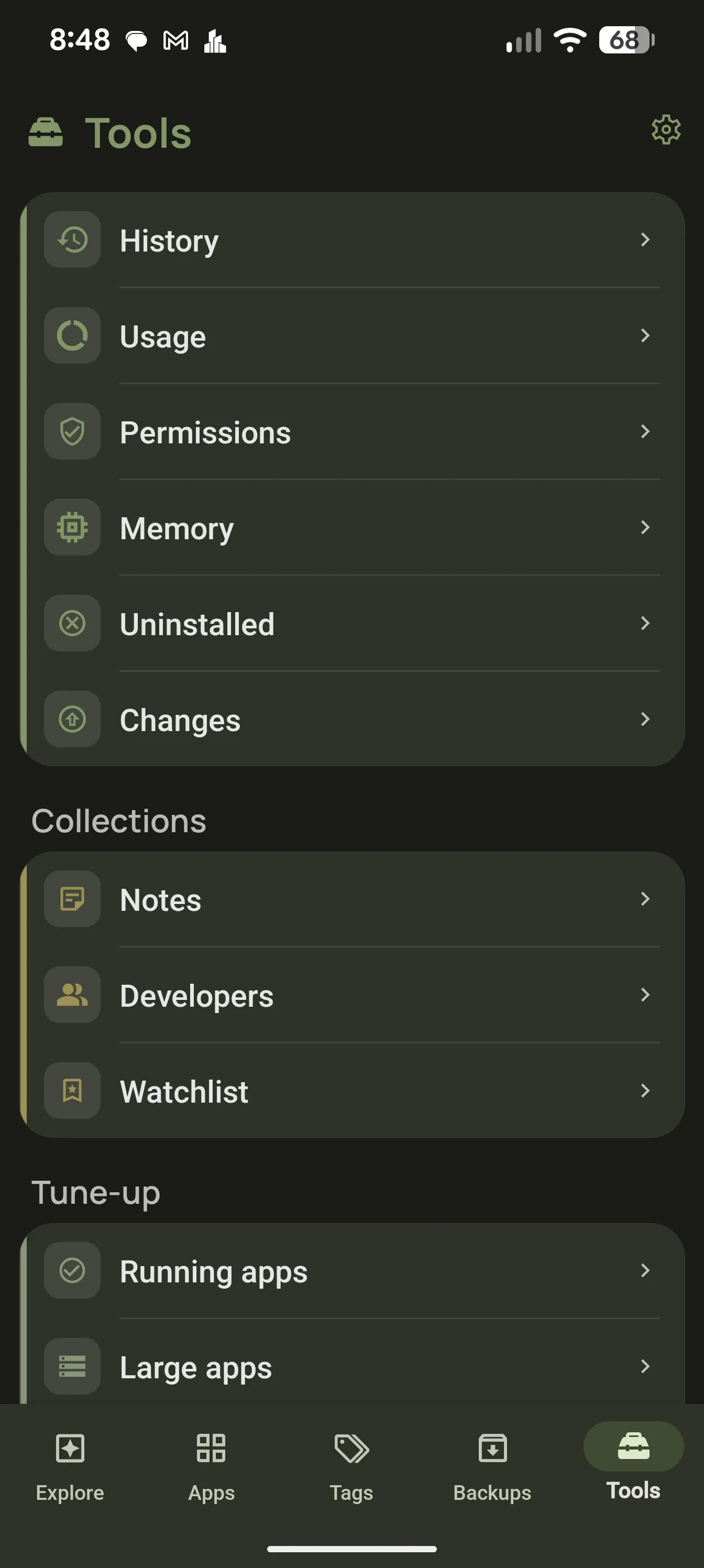
AppDash Tools tab with APK utilities

Every package format

AppDash handles plain APKs and the bundle formats used by app stores and backup tools, so a file from any source installs the same way.

  • APK, APKS, XAPK and APKM
  • Split APKs installed as a set
  • “Open with AppDash” from any file manager or browser

Analyze before installing

See the package name, version, target SDK, requested permissions, signing certificate and components of a file before it touches your system. Compare it against the version you already have.

  • Permissions and risk summary
  • Signing certificate and installer checks
  • Version comparison with the installed app

Extract and share

Pull the APK or split APKs out of any installed app to keep a copy, move it to another device or share it. Extracted files go wherever you choose.

  • Extract installed apps as APK or APKS
  • Share to any app or device
  • Save to a backup location

Faster with root or Shizuku

With root or Shizuku, AppDash installs and uninstalls silently, so batch jobs run without a system dialog for each app.

  • Silent install and uninstall
  • Batch operations without prompts
  • Everything else works on a standard device

Common questions

Where do APK files come from?
From your own backups, from files you already have, or from sources you trust. AppDash does not host or download APKs.
Is sideloading safe?
Only install files from sources you trust. AppDash helps by showing the signing certificate and permissions before you install, so a tampered file is easier to spot.

More features

Try it with a full-access preview

Install AppDash and use every feature for 7 days. No ads, no tracking.