

Unused & large apps

Clean up a crowded phone

AppDash finds the apps you have not opened in months and the ones taking the most space, then lets you deal with them in batches.

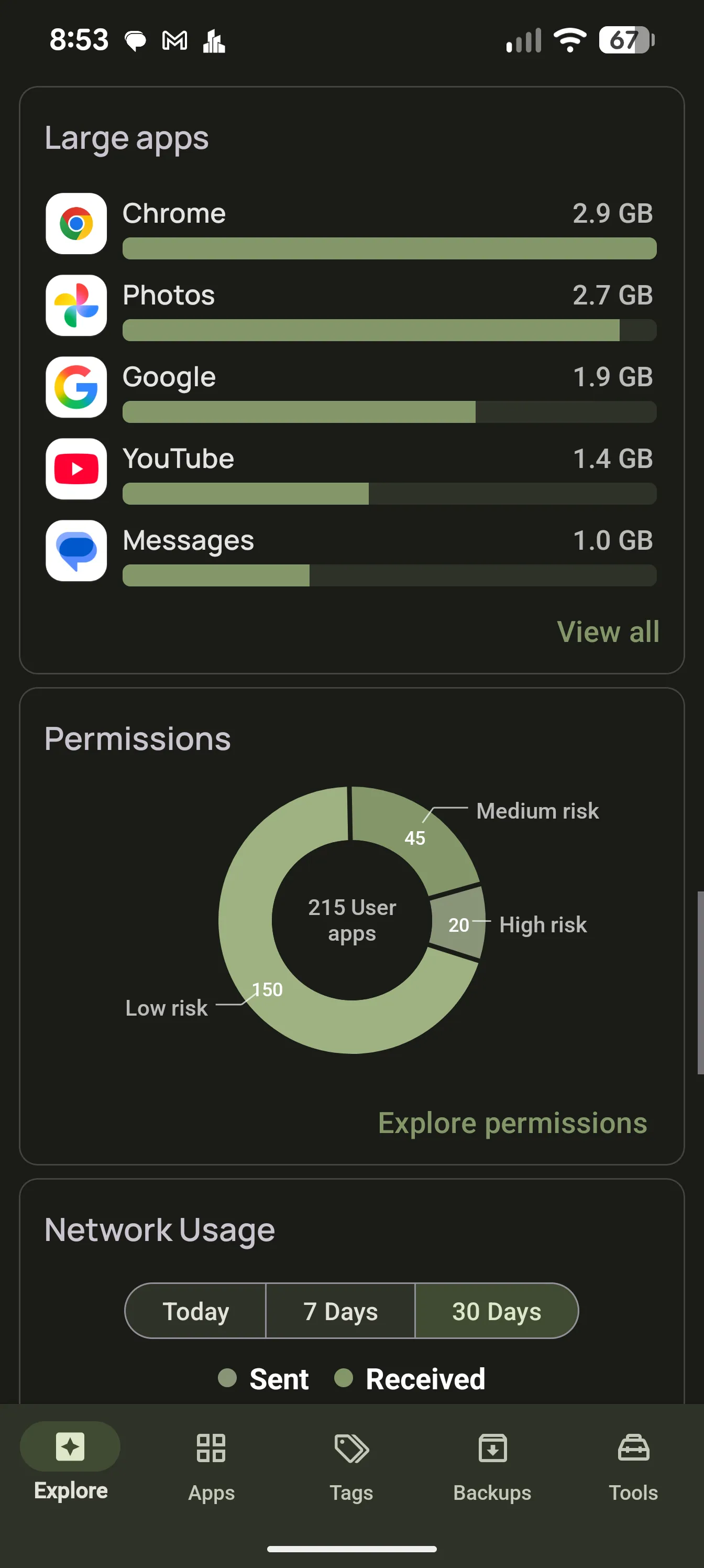
AppDash Explore dashboard with unused and large app cards

Unused apps, by real usage

Unused means not launched, based on Android usage statistics rather than guesswork. Pick a threshold, see the list, and act on it.

  • Sort every app by last use
  • Explore card for apps you have not opened recently
  • Uninstall or archive in a batch

Large apps and storage

See app, data and cache sizes per app and sort by any of them. The storage hogs are usually not the apps you expect.

  • App, data and cache sizes
  • Storage overview on Explore
  • Jump to the system storage screen for cleanup

Archive, freeze or disable

On Android 15 and newer, AppDash can archive apps to reclaim space while keeping your data, and restore them later from an AppDash backup. With root or Shizuku, you can also freeze or disable apps you cannot uninstall.

  • Archive and unarchive on Android 15+
  • Freeze and disable with root or Shizuku
  • Keep the option to bring apps back

Batch actions

Select by tag, by filter or by hand, then uninstall, back up, share or export the selection in one go. Copy an app list as plain text with Play Store links to share or keep.

  • Multi-select across any list
  • Back up before you uninstall
  • Copy app list with Play Store links

Common questions

Will AppDash delete anything on its own?
No. AppDash only shows you candidates. Every uninstall, archive or freeze is something you select and confirm.
Can I remove system apps?
System apps can be inspected on any device. Disabling them needs root or Shizuku.

More features

Try it with a full-access preview

Install AppDash and use every feature for 7 days. No ads, no tracking.