
Root & Shizuku

More control, with or without root

AppDash does most of its work on a standard phone. Give it Shizuku or root and it can also stop, freeze, clean and install apps without a dialog for each one.

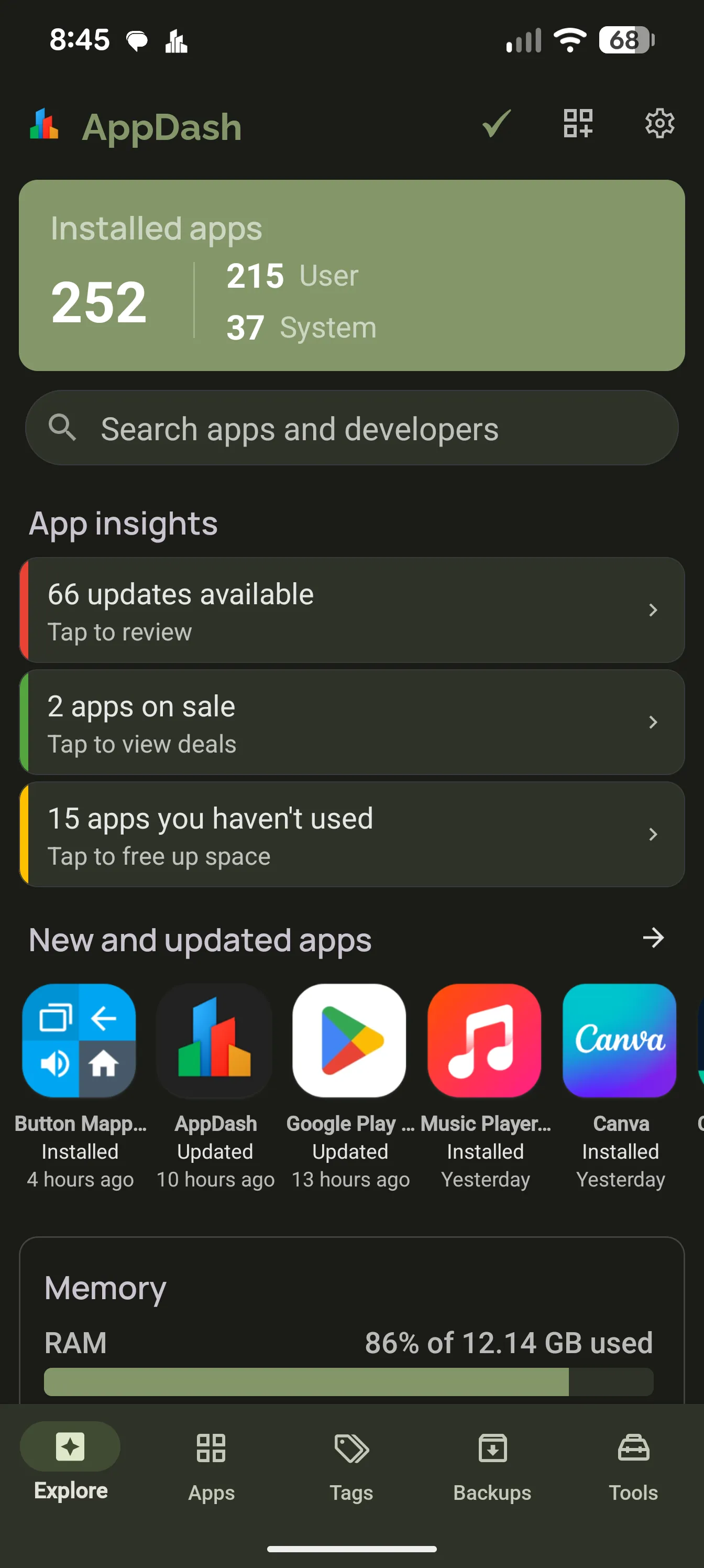
AppDash Explore dashboard

What Shizuku is

Shizuku is a free, open-source tool that lets apps run system-level commands through Android’s debugging interface, without rooting. On Android 11 and newer you start it on the phone itself using wireless debugging. Then turn on Shizuku access in AppDash’s settings and grant the request.

  • Android 11 and newer, no computer needed
  • Start it again after each reboot
  • AppDash asks for access once, through Shizuku’s own prompt

Unlocked by root or Shizuku

Install and uninstall silently, so batch jobs and restores run without a prompt per app. Force close, disable, suspend, clear cache or wipe data for one app, a selection, or a whole tag. Toggle battery optimization per app or in batches, and grant, revoke or reset runtime permissions.

  • Silent install, uninstall, archive and restore
  • Force close, disable, suspend, clear cache, wipe data
  • Battery optimization switches and batch changes
  • Grant, revoke and reset app permissions

Task manager

With Shizuku, AppDash adds a task manager to the Tools tab: processes with CPU and memory, refreshed every second, plus a services tab with crash counts and foreground state. Force stop from the process sheet.

  • CPU and memory per process
  • Services with clients, uptime and crashes
  • Force stop and uninstall from the sheet

Root only

A few things need true root. App data backups capture an app’s data, external data and OBB files alongside the APK, and are encrypted. Hiding an app removes it from app lists while keeping it installed. Scheduled auto backups at a set time also need root.

  • App data, external data and OBB backups, encrypted
  • Hide and unhide apps
  • Auto backup on a schedule

Everything else works without either

Browsing, tags, notes, APK backups and restore, usage and history, permissions, the Privacy screen, components and manifest, the watchlist, Play Store search, widgets, archiving on Android 15 and APK installs through the system installer all work on a stock phone.

  • APK backups and restore for every app
  • Archive on Android 15 and newer
  • All inspection and tracking features

On your terms

Root and Shizuku access are switches in AppDash’s settings. They are off until you turn them on, and AppDash never requests elevated access without asking. Turn them off and every feature that needs them disappears from the interface.

  • Off by default
  • Separate switches for root and Shizuku
  • Nothing runs with elevated access in the background without your action

Common questions

Do I need root to use AppDash?
No. The core of AppDash, including backups, tags, inspection, usage and the watchlist, works on any phone. Root and Shizuku add control actions on top.
Root or Shizuku, which should I use?
If your phone is not rooted, Shizuku gets you nearly everything: silent install, force close, freeze, cache and data clearing, battery and permission control and the task manager. Root adds app data backups, hiding apps and scheduled backups.
Does Shizuku survive a reboot?
Usually not. Shizuku runs until the phone restarts, so start it again from the Shizuku app after a reboot. Rooted phones can start it automatically.
Can Shizuku back up app data?
No. Android does not let Shizuku read another app’s private data. App data backups need root. Without root, AppDash backs up the APK and split APKs.

More features

Try it with a full-access preview

Install AppDash and use every feature for 7 days. No ads, no tracking.